

Problem Statement:
“I want to be able to solve customer problems holistically instead of single-purpose solutions.”
Gateway User Journeys
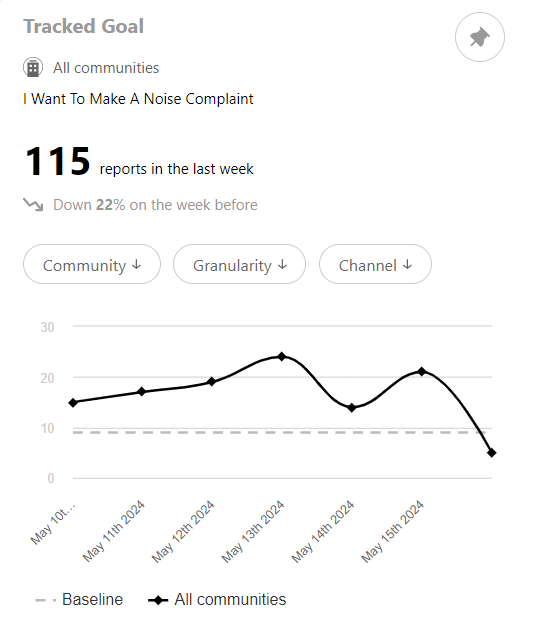
Whenever you spot or hear about a problem a customer is having, use Explore to find out whether the problem is happening more widely.
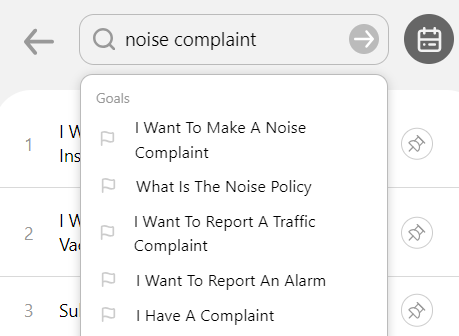
- Say someone is complaining about noise outside their apartment, search “are customers having issues with noise”
- If it appears it’s more widespread than just the one report you’ve heard of, search “tell me the names of customers having issues with noise”
- You can then delve into a couple of the people by typing their name into search or by going to Customers (accessed via the menu in the top right) and searching for them there
- On the Summary page (the first tab you land on), you’ll see more detail about their experience
Problem Statement:
“I want to know an individual customer’s overall journey”
Just before you’re about to speak to a customer, it would be great to know all the topics they’ve been contacting about, even if they’re only coming in to discuss one. To reach this information, start with the following steps.- Navigate to the customer either by searching for their name or going to Customers from the hamburger menu in the top right
- Select the final tab (with the pencil icon) to see their Conversation History
- Here you will see everything they have contacted about, starting with the most recent message. This can be helpful to understand what their experience has been.
- For example, if you can see one of the things they contacted about was adding their partner to the lease, you can greet them as they walk in “Hey, how’s your partner settling in?” to give them confidence you know who they are and make them feel special.