Groups in the My Communities page
Here you’ll see the communities organized into their groups as shown below. When you first navigate to the list, the groups will be collapsed; clicking a group title expands the list.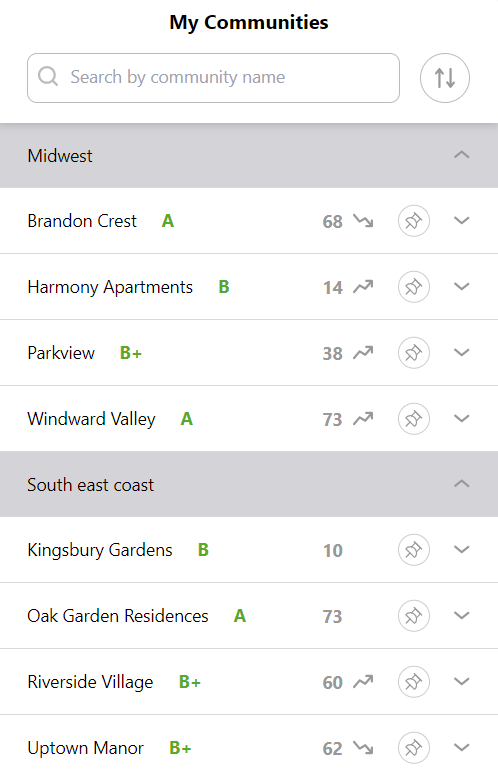
Filtering by groups
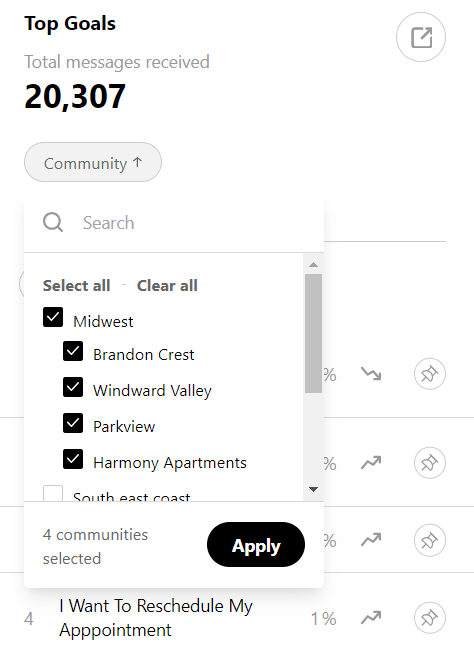
On the Customers list, and the Messages and Goals screens, you’ll see your communities organized into their groups as shown below. Selecting a whole group will filter the data on the page by data associated with those communities. This allows you to understand more easily the patterns in the data within specific groups - for example, identifying whether customer (or staffing) needs vary from region to region.